
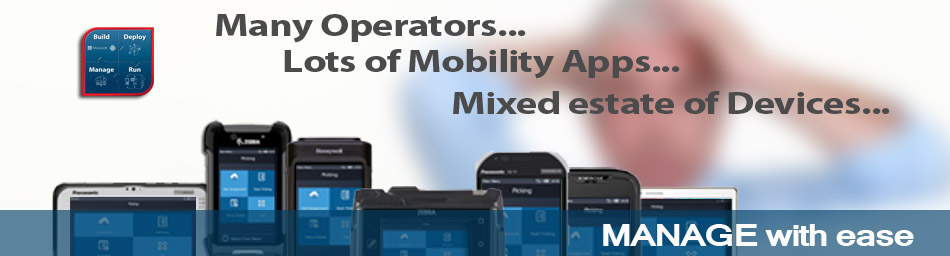
Manage Applications - Operators - Devices and Data efficiently
 Only monitoring and managing your mobile devices remotely is no longer enough to keep control of your mobility implementations.
MCL-Mobility Platform goes beyond the classic and traditional MDM (Mobile Device Management) capabilities. It allows enterprises to manage the entire mobile lifecycle including mobile application management-MAM, data management (cloud-based 'Store & forward'' data options), and operator management (role and language-based profiles) so you can manage your mobile (flex-)workforce, all from a centrally managed, cloud-based, scalable and secure environment.
Whether for initial deployment or on-going maintenance updates, the application, operator, and device management services in MCL-Mobility Platform help you manage the entire lifecycle of your mobility implementations.
Manage Mobile Apps with the Enterprise App Store
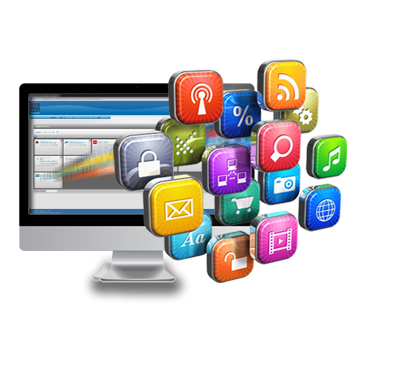
Create your own Enterprise App Store and allow access to the members of your organization, you operators, and your other authorized external collaborators.
The Enterprise App Store Services in MCL-Mobility Platform facilitate the entire lifecycle management for mobile apps (MCL and non-MCL apps). They allow for the deployment of new or updated versions through each of the app lifecycle phases with version control.
Only authorized operators will be able to receive the business apps they require to perform their tasks.

Manage Mobile Operators
MCL Mobility Platform is prepared to manage only a few warehouse operators, in just one site, as well as thousands of mobile operators working outside the 4 walls of your organization.
Its profile-based approach lets you define the exact needs of your operators to perform their tasks.
MCL-Mobility Platform allows you to provision your mobile operators within your organization and provide them with access to specific business apps based on their profile. All easily managed by grouping your operators (e.g., warehouse, proof-of-delivery, retail, etc.) and applying application and security policies to these groups.
Keeping your Mobility Staff running with what they really need has never been easier.
Manage Multi-Language Apps
Working with a multilingual staff?
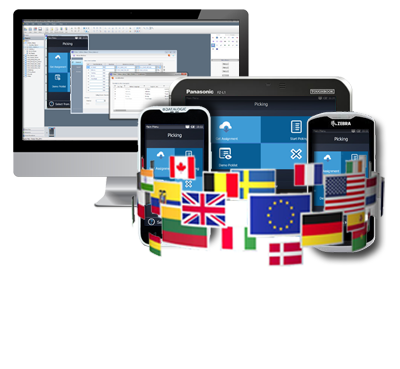
Not to worry, each operator can get their apps in the desired language.
For each Operator profile you create on MCL-Mobility Platform you can set the desired language. When the operators log in to their devices they get their apps presented in the right language.
You can managed multiple language files within one source in MCL-Designer.
Manage Mobile Devices
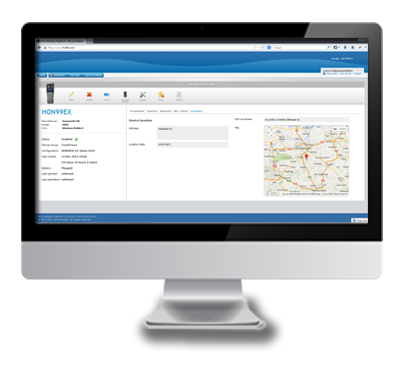
MCL-Mobility Platform lets you perform the most commonly used and operationally required device management tasks.
Is a device broken? Simply give it a 'repair' status in the MCL-Mobility Platform and not only will it appear as such, it will also free up the associated device license unti for re-use by another (swap) device.
Want to know where your devices are right now? Click on 'locate' and you will know. MCL-Mobility Platform keeps track of your devices and as data develops, you can easily aggregate/consolidate that data and display it with our dashboards for further analysis.
Should it be required you can remotely lock - wipe - reinstall one or a group of mobile devices.
Manage Your Android Devices with AMAPI
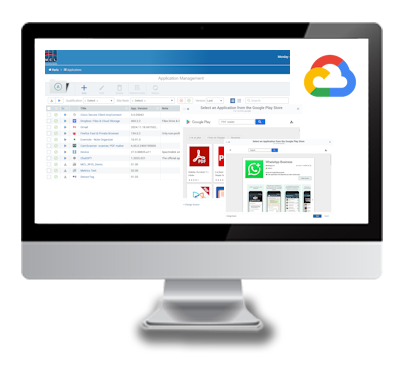
MCL-Mobility Platform is equipped to extend its MDM feature via integration with Google. This integration relies on AMAPI (Android Management API), Google's standardized framework for Enterprise Mobility Management (EMM).
Do you have devices enrolled in a Google Enterprise but want a friendly interface to manage them?
Integrate the Google Enterprise into MCL-Mobility Platform and you will easily be able to supervise/control your devices – perform uncomplicated device Pairing/Staging, have a straightforward access to device-related operations, settings and information which is grouped into a specific module.
Do you want to manage/implement your own Device Security policies?
Create the policy, create the configuration, plan the deployment and monitor its execution in the MCL-Mobility Platform.
Make use of the embedded access to Google Play store in MCL-Mobility Platform and install MCL applications and Google Play apps into your devices.
Device and Operator Statistics
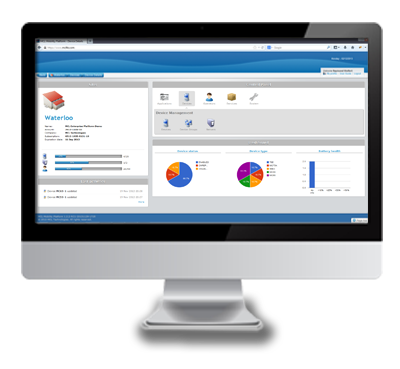
MCL-Mobility Platform gives you an instant view of several stats coming from your mobility implementation. Besides information on how many units are in use (utilization) it provides information on battery-health levels, Device types in use, and other KPI's.
You can create custom Dashboards with widgets that expose metrics generated in the devices based on their operation in the field (number of scans, quantity of articles collected, etc.). These Dashboards allow supervisors to have a picture, in real-time, of the operations and use them to decide on potential business adjustments.
Device Lifecycle Management
Managing Mobility implementations is based on a few critical steps throughout the lifetime of the installation.
Provisioning, Deployments, Updates/Upgrades, potential Reassignments/Re-usage of equipment and Decommissioning.
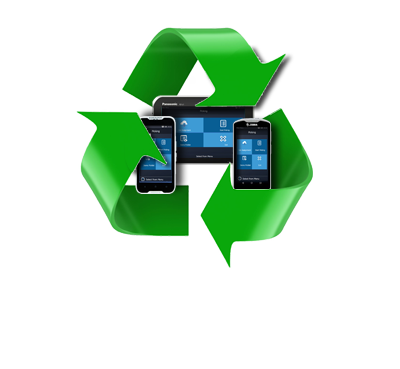
MCL-Mobility Platform offers 'Lifecycle' management, from the first steps of implementation to the last step of decommissioning.
Each mobile device will at a given point in time come to its end-of-life - organizations replace these devices with other devices that offer differnet or enhanced features.
MCL Mobility Platform allows you to entirely decommission and 'clean-swipe' devices that are no longer in use and as a result other devices can take over the released license units from these decommissioned devices.
MCL-Mobility Platform offers support for all stages of the mobile lifecycle.